
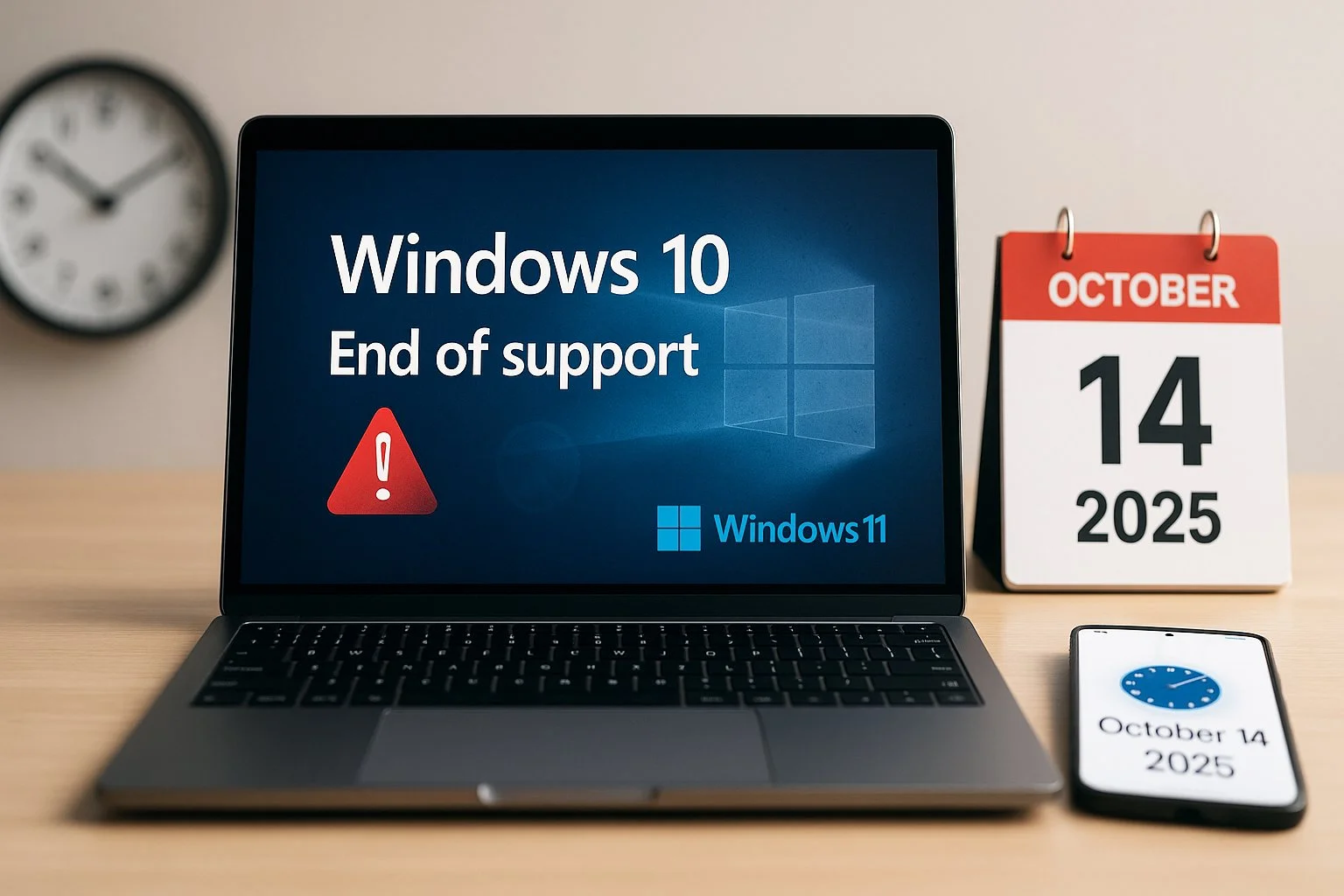
Windows 10 End of Support
After 14th October 2025, Microsoft will no longer provide updates or security patches. Is your business ready?
What Windows 10 End of Support Means
From 14 October 2025, Windows 10 will officially reach end of support.
That means:
❌ No more security updates
❌ No more bug fixes or patches
❌ No more technical support from Microsoft
Your systems will still run — but they’ll become increasingly vulnerable to cyber threats, non-compliant with regulations, and incompatible with modern software.
Why This Matters for Businesses
Cyber security risks: Outdated systems are prime targets for ransomware and breaches.
Compliance issues: Many industries require up-to-date, supported systems.
Downtime risk: Unsupported apps and tools may stop working correctly.
A recent report shows that over 35% of SMBs are not prepared for Windows 10 end of support — don’t let your business be one of them.
Why CYB3R?
✔ UK-based IT and security experts
✔ Specialists in SME migrations
✔ Minimal downtime, maximum security
✔ Tailored solutions for your business
The Windows 10 deadline is approaching fast!
Don’t risk downtime, data loss, or compliance failures. Call us now to plan your upgrade
or book your free consultation today!
Your Next Options

Option 1: Upgrade to
Windows 11
✔ Free upgrade for eligible devices
✔ Full support and security updates
✔ CYB3R ensures a smooth, secure migration
✔ Enhanced productivity features and better
integration with Microsoft 365

Option 2: Extended Security Updates (ESU)
✔ Paid Microsoft program offering security
updates beyond October 2025
✔ Temporary measure — not a long-term solution
✔ CYB3R can manage ESU enrolment
while planning your upgrade

Option 3: Replace Legacy Hardware
✔ If your devices can’t support Windows 11, we’ll help you select, configure, and secure new systems
✔ Data migration included
✔ Access to the latest performance, security
and cloud-ready features
FAQs
-
From 14 October 2025, Microsoft will no longer release fixes, updates, or security patches for Windows 10. The system will still run, but it won’t be safeguarded against new vulnerabilities.
-
No, your device won’t suddenly stop working — but it will become progressively less secure. Over time, the lack of updates means greater exposure to cyber threats and potential issues running newer software.
-
You have several options:
Upgrade to Windows 11 if your device meets the requirements.
Purchase a new Windows 11 PC for full compatibility and support.
Use Microsoft’s Extended Security Updates (ESU) scheme, which offers short-term paid security updates to give you more time to migrate.
-
You’ll still be able to use Microsoft 365 apps on Windows 10 for now. However, without a secure operating system underneath, performance may degrade, and your risk exposure increases. Microsoft has committed to supplying security updates for Microsoft 365 apps on Windows 10 until October 2028, but it’s not a long-term fix.
-
Older versions like Office 2016 and 2019 will lose support altogether. Newer versions such as Office 2021 and 2024 (including LTSC editions) will still install on Windows 10, but they won’t be officially supported once the operating system reaches end of life. For the best security and reliability, upgrading to Windows 11 alongside Microsoft 365 is recommended.
-
If your hardware can’t be upgraded, you can either replace it with a modern device or explore Microsoft’s trade-in and recycling programmes. This ensures your old systems are disposed of securely and sustainably.
-
Antivirus programs can still provide some protection, but they cannot fully compensate for the lack of operating system security updates. Without updates from Microsoft, your system remains vulnerable to new threats, so relying solely on antivirus is not a safe long-term solution.
-
Start by assessing device compatibility and creating an upgrade roadmap. CYB3R can help businesses migrate safely, whether that involves upgrading existing devices, purchasing new hardware, or implementing Microsoft 365 alongside Windows 11. Planning early ensures minimal disruption and continued security.